First-time Log in
You'll access the IP Flexible Reach Portal through AT&T Business Center. After an administrator in your group sets up a Business Center account for you, you'll get an email with a link to complete your registration.
- Log in to AT&T Business Center
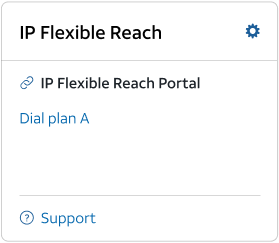
- Go to the IP Flexible Reach widget
-
- Dial plan - Opens the IP Flexible Reach Portal homepage.
-
- Manage administrators – Let's you create, manage, and delete Enterprise, Group, and Department Administrators.